Skip to content20cuts
Menu

Animated explainer videos

An animated explainer video shows how a product works through changes on screen. The viewer follows a request through the actions that produce its result. Narration explains the choices behind those actions while the product shows their effect.

These guides cover planning the story, building the visuals, writing narration, and reviewing the finished video. Our production order is concept, visuals, narration, then audio. Seeing the scenes first gives the narration something specific to explain.
The approved 20cuts reel moves through a Gmail message to its Storyboard.pdf attachment, then opens the next animated section from that card. The visible object gives the scene change a clear origin.Film excerpt · staged exampleOpen 6-second excerpt ↗Silent excerpt

Guides

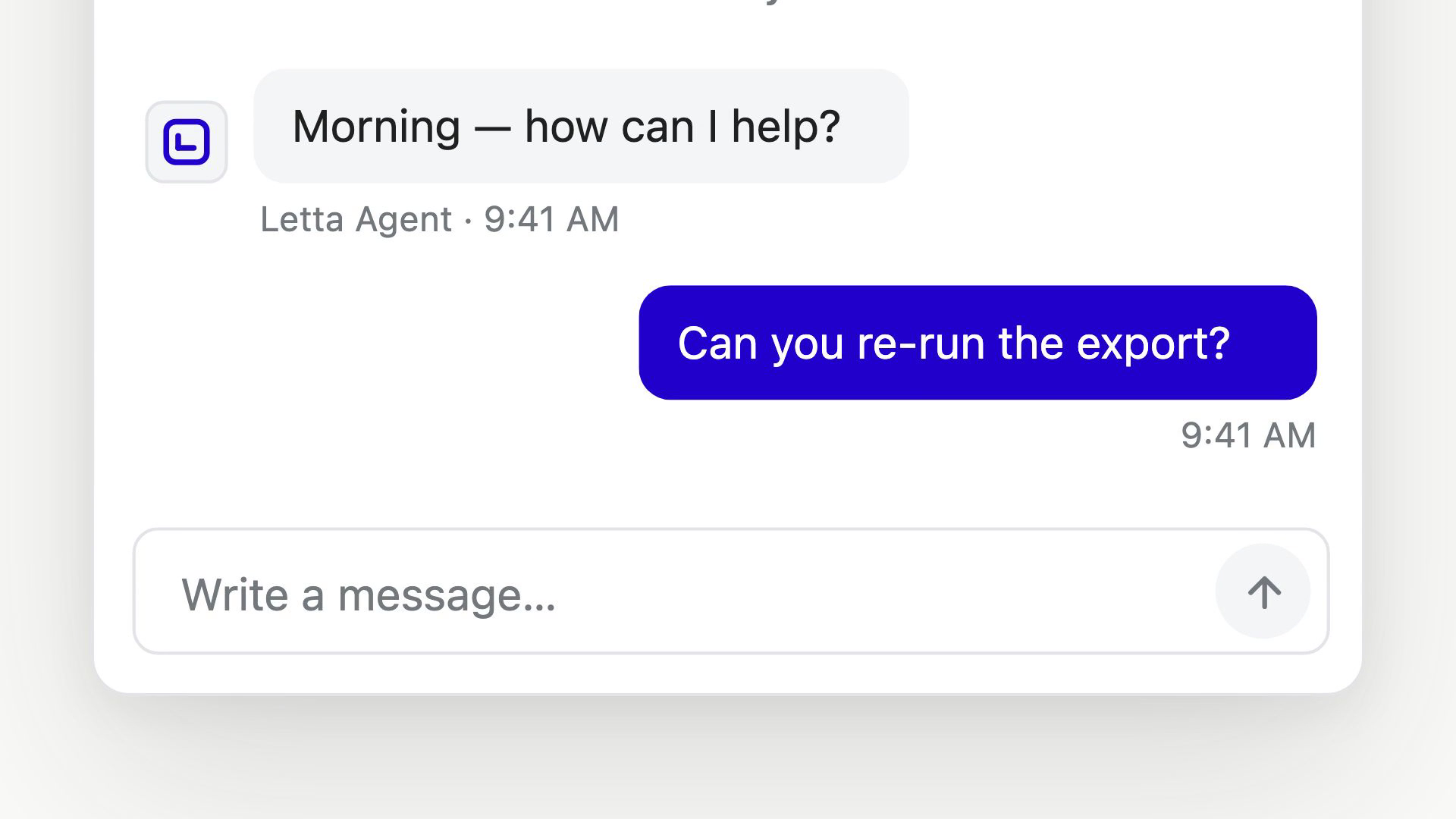
Open full-size image in a new tab. Extreme close view of an agent-chat interface. A blue message bubble reads Can you re-run the export?, with a 9:41 AM timestamp and the Write a message composer beneath it.
The close view gives “Can you re-run the export?” most of the screen. In this staged product example, the readable question supplies context before the film shows the response.Film still · staged exampleView full size ↗Full source film ↗

We can help explain your product.

Send us your product and the idea you want to explain. We will discuss a preview and a scope for the finished video.

Request a preview