Choose an animation tool by testing the scene you need to make and the revision you expect to receive. A polished template preview tells you little about whether you can correct a product label or delay a result without rebuilding the scene.
A fictional scheduling API provides a useful trial. A request checks two calendars, finds a conflict, and returns an available slot. The sample must preserve the same dates across the sequence and show the response after the check. These requirements let you compare tools using an actual production task.
Define the trial before comparing tools
Prepare a small storyboard with an entry state, a visible action, and the result a viewer must inspect. Supply fictional data or approved sample data. Decide how you will distinguish a conceptual diagram from a product recording.
Build a rough version of that scene, then request a change. For the scheduling example, change the appointment date and delay the response until the calendar check finishes. Record how long the revision takes and what else it disturbs.
The test exposes limits that a list of features can hide. A tool might offer attractive transitions but make text difficult to edit. Another might allow precise timing while requiring substantial setup for an ordinary panel layout.
Check template editors for the controls your scene needs
Template editors provide layouts and reusable assets that can speed up a video whose content fits them. Their usefulness depends on how far you can change those assets and control their timing.
For the scheduling scene, check whether you can display the exact calendar dates, preserve them after a transition, and move the response independently. A calendar icon can introduce the topic, but it does not demonstrate conflict resolution by itself.
Export the trial before choosing a plan. Inspect the actual resolution, text rendering, and any watermark. Confirm the current plan's export and asset-use terms against the deliverables you need. A preview inside the editor does not establish the quality or permitted use of the exported file.
Evaluate generated clips against product evidence
Generated imagery can contribute illustrations or footage when the brief allows that treatment. A depiction of a real interface needs a stricter review because a plausible label or control can still be wrong.
Use a short, specific revision to test the available controls. Ask for the date to change while the rest of the calendar remains stable. Check the result frame by frame and across adjacent scenes. Capabilities vary by tool and release, so evaluate the current output instead of assuming that an entire category can or cannot meet the brief.
Retain any approved clip. A fresh generation may change details that the earlier review accepted, even when the prompt remains the same. Count attempts and review time when estimating production cost.
The product-truth guide explains how to separate a verified capture, an accurate reconstruction, and a labeled illustration.
Use motion-design software when the scene needs direct control
A keyframe editor lets an animator specify where a panel appears and when its values change. That control helps with the calendar example because the request, conflict, and returned slot each need separate timing.
Direct control also creates work. The animator must maintain continuity between scenes, establish readable views, and adjust timing after narration changes. The software will not decide whether a viewer had enough time to compare the dates.
Test an ordinary revision as well as an ambitious effect. Change a repeated label, extend a scene, and export again. The process for maintaining a film matters as much as the process for making its first version.
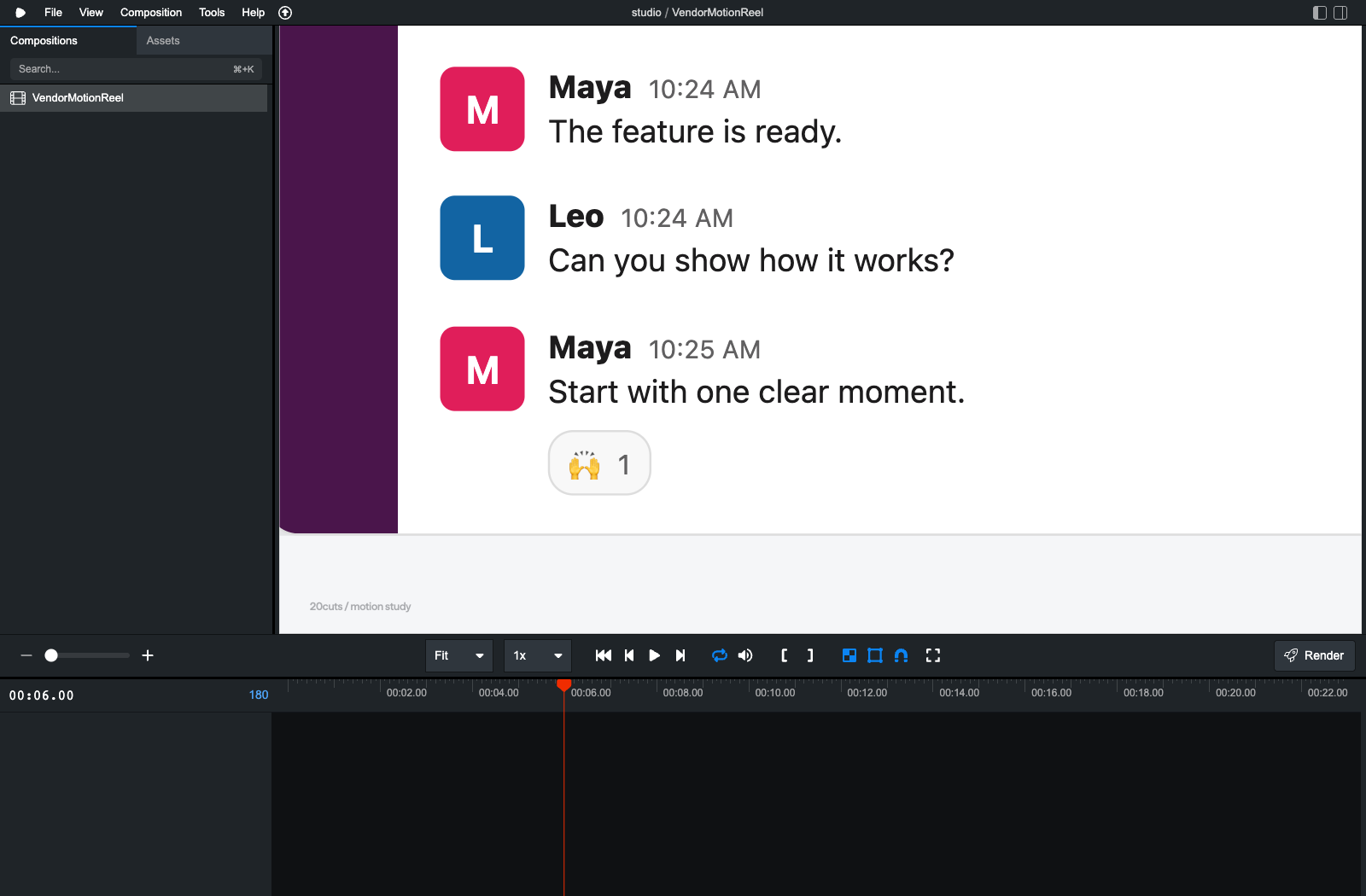
Consider code-based animation for reusable scenes
Code-based animation can derive repeated labels from shared data and calculate scene starts from one timing registry. A single date value can then update every calendar view that uses it. That structure prevents specific copy-and-paste errors when the implementation actually shares the value.
A text edit does not make every revision trivial. Changing a sentence can require a new audio take, revised phrase timing, and regenerated captions. New layouts still need design and visual review.
For the trial, change the sample date at its source and verify every appearance in the rendered file. Extend one take and check that subsequent scene starts update correctly. The offline VO-sync exercise demonstrates that second calculation.
Compare services using work and scope
A producer handles some or all of the planning and production work. Ask who supplies product evidence, who approves the visual treatment, and how the project handles revisions. Review an example that resembles the complexity of your own scene.
A proposal should identify the deliverables and review rounds, including captions and alternate formats where required. Tool choice alone does not establish the producer's ability to explain your product. The agency versus DIY guide compares the responsibilities you retain in either arrangement.
At 20cuts, customers can review public examples, request a tailored preview, and consider the production scope and price before purchase.
Compare the same costs across candidates
| Cost or requirement | What to record from the trial |
|---|---|
| Production time | Time spent planning, building, and reviewing the scene |
| Revision time | Time to change the date and retime the response |
| Fidelity | Incorrect or inconsistent labels, values, and behavior |
| Export | Available file formats, resolution, and caption support |
| Reuse | Whether a later scene can share the same data and layout |
| Delivery scope | Source files, audio tracks, review rounds, and agreed usage terms |
A screen recording may already explain the product clearly. Animation earns the additional work when a diagram, reconstruction, or change of scale makes an otherwise hidden relationship understandable. Comparing one concrete scene will tell you more about that work than ranking tools by a claimed quality ceiling.