/for/radix-primitives
Video ideas for Radix Primitives
Radix Primitives provides unstyled interface components with built-in accessibility behavior.
Demonstrations to consider
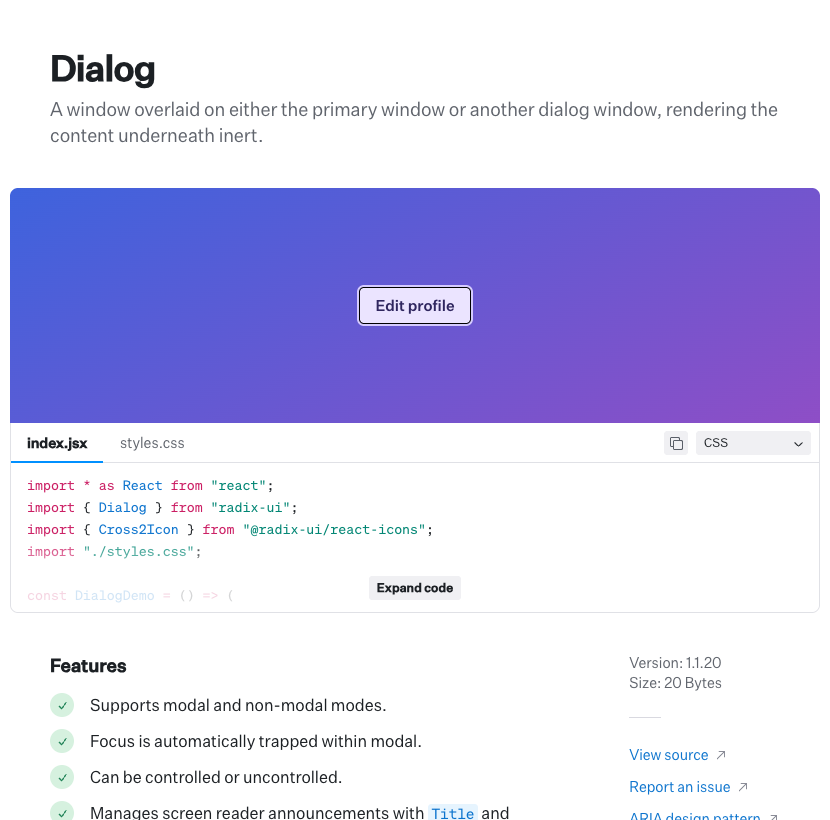
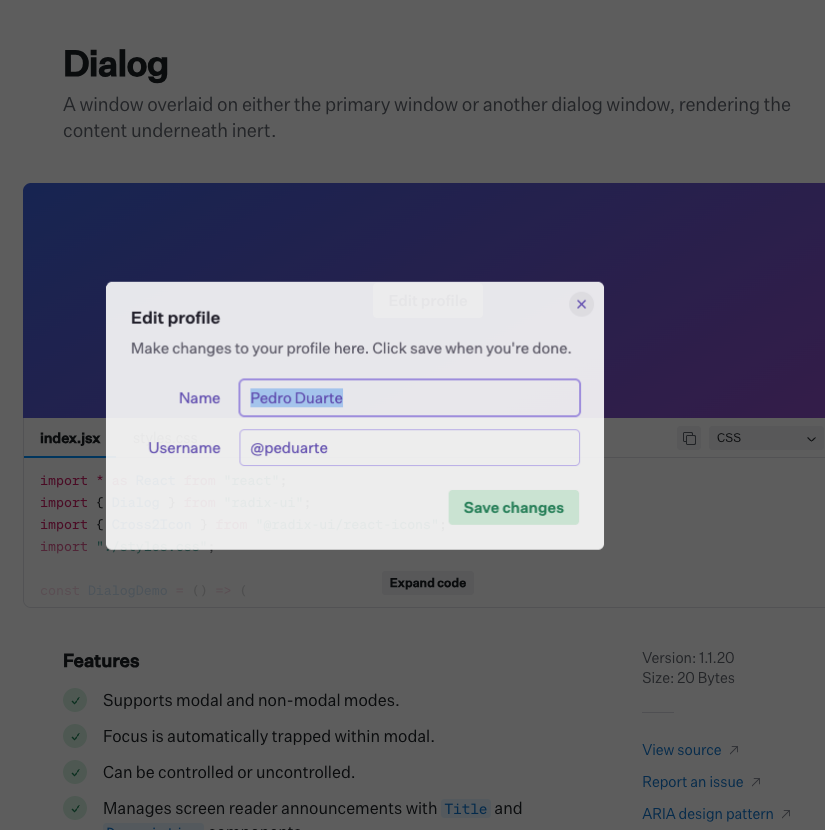
- →Open a dialog with the keyboard and show where focus moves.
- →Move through a menu with arrow keys and select an item.
- →Apply two designs to the same primitive and compare its appearance and behavior.
- →Inspect the accessibility attributes as a control changes state.
Check the Radix Primitives documentation and run the example before recording it. These are independent demonstration ideas.
We can help explain your product.
Share your product and the workflow you want to show. We will discuss a preview, scope, and price before you decide to buy.
Request a preview